

For all of the powerful, easy to use functionality they provide, one common point of feedback in configuring form elements was that the configuration dialog was on the smaller side, and was occasionally difficult to see. That changes in AgilePoint v10.
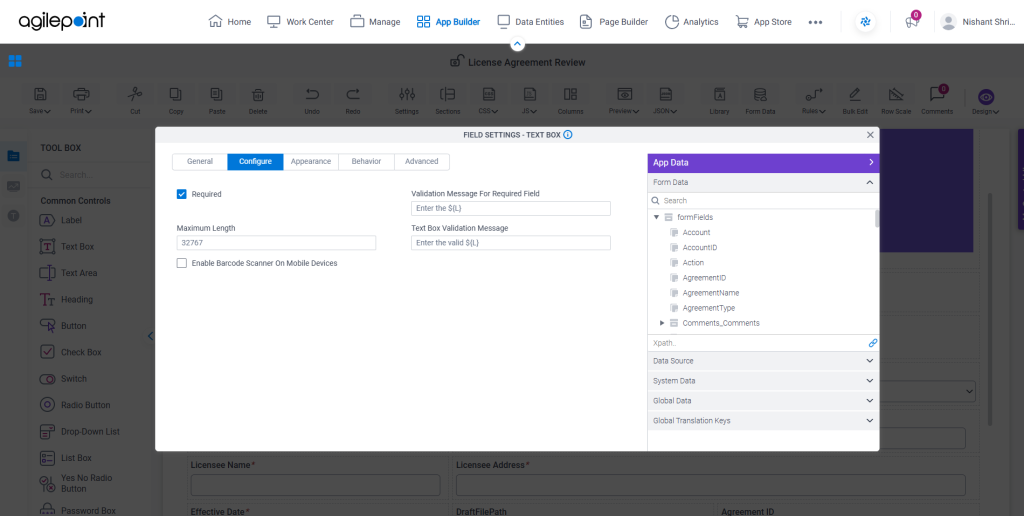
With our upcoming landmark release, configuration dialogs in forms will now take 70% of the available screen size, allowing you to implement the features your internal customers need without straining your eyes. Need a list of dialogs this will apply to? We’ve got you covered.
- Form Settings
- Form Sections
- CSS/Shared CSS
- JavaScript/Shared JavaScript
- Bulk Edit
- Lookup
- Document Repository
- All Control configuration windows
We hope this improves your AgilePoint eForm design experience, and as always, we’d gladly welcome your feedback.